Description
Every star, cloud layer, colour and size on its own slider, 11 presets to start from
Star size and density, two cloud layers, sky and horizon colours, cloud scale and drift — all of it sits in the details panel.
Every UEFN island starts with the same sky, and the default gives you nothing to turn. This is a sky dome whose stars, clouds, colours and sizes are all values in the details panel. Pick a preset, then tune it until it is yours.
What it does
- Stars on their own values: Size, density and colour are separate sliders, so the same night sky goes from a faint scatter to a dense field without touching anything else.
- Two cloud layers to shape: A main layer and a detail layer, each with its own texture, opacity, scale and swirl — cloud shape, thickness and drift are all set by hand.
- Every colour on a picker: The sky gradient, the horizon colour wash and both cloud layers each open a colour picker, and the viewport repaints while the picker is still open.
- Sizes as well as colours: Cloud scale, star size, swirl amount and horizon wash power are numbers you type in — the same material makes a pastel morning or a hard neon night.
- 11 presets to take apart: M_SkyBox1 to M_SkyBox5 plus evening, night and wild-cloud variants — start from the closest one, duplicate it, and change whatever you want.
What you can change
Star size, density and colour; the texture, opacity, scale and swirl of both cloud layers; the sky gradient, cloud colours, and the horizon colour wash and its power; and the dome's own scale. Each sky also keeps a separate MobileSettings block, so phones can get their own colours.
Requirements & setup
No Verse knowledge needed. Unzip the download, drop the CustomizableSkyBoxV2 folder into your project's Content folder, place the SkyDome01 Round mesh over the island and assign one of the sky materials to Element 0.
What's inside
The CustomizableSkyBoxV2 folder with 11 sky material instances, the S_SkyDome01_Round dome mesh and an Auroras mesh set, cloud and star textures, material functions, a material parameter collection, Blueprints and a Sequence folder.
Support & updates
Free updates included — if a Fortnite patch breaks something, the fix ships free. Direct support on Discord, usually the same day.
Reviews
Reviews of this product
Reviews are open to buyers — sign in if you own this product.
No reviews yet. You can be the first to review this product.
What buyers say about other products
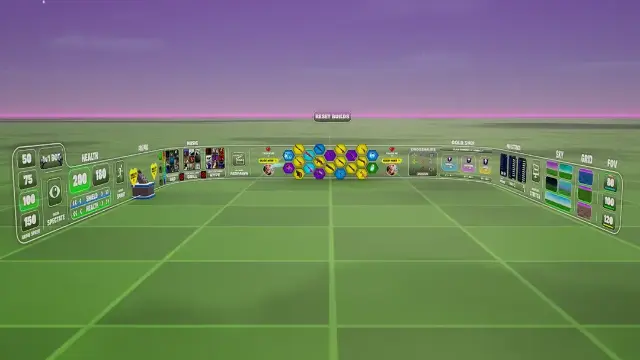
Clean and very customizable 🔥 Highly recommended for your map!


Works great! Much better than the previous version in my opinion. i can customize so much stuff its ridiculous! I would recommend you buy this if you want to upgrade your sky to make it look not only better but more appealing than the normal boring sky.
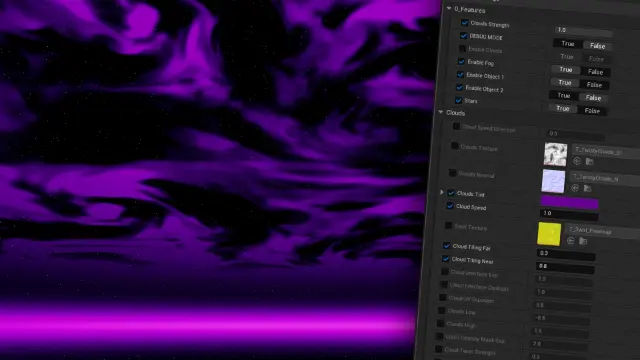

super helpful, gave me a clear video showing how to import the water.

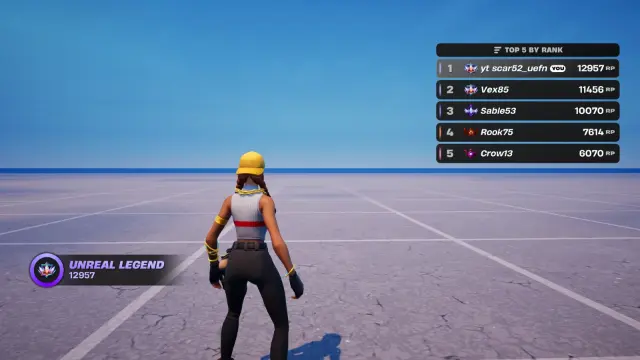
Great rank system, very well designed best ive seen

Absolutely amazing work! 🔥 The quality is really impressive, and everything turned out exactly how I wanted. You can tell a lot of effort and attention to detail went into it. Highly recommended if you’re looking for high-quality work! ⭐⭐⭐⭐⭐

10/10 would highly recommend this asset. Works exactly as advertised and looks great in game! Super easy to integrate into your map.

Wildly good product. The customer support was surprisingly fast and dedicated. 'Dedicated' sounds cliche, but the developer actually took the time to help until everything was working. Absolute goat. If there's a plugin or some other feature I need again in my UEFN project, this is the first site I'm checking in on.




10/10 super fluid and functional system super useful and fast, I recommend it if you need resources for your maps