Description
PSD sources included, put in your own code and name, swap the colour and animation
A 1280x720 widget of five image layers, shown to every player by one HUD Message Device, with the border animated by a material.
A map code typed into a HUD message is plain white text that nobody screenshots. This puts the code inside a designed badge with a border that keeps moving, built as a UEFN widget. Edit two text layers in Photoshop, export, and place one device.
What it does
- Code on every player's screen: The badge is pushed out by a HUD Message Device placed on the island — every player sees the same code overlay without a Verse file or a custom HUD controller.
- Border that keeps moving: The animation is driven by the CodeImage_Rainbow material instead of a sequence of exported frames — it loops for as long as the badge is on screen and costs one material, not a flipbook.
- Colour swapped in one texture: The border colours come from a texture sheet plugged into that material — drop in the rainbow, black-and-pink or striped sheet and the whole badge changes colour without touching the widget.
- Photoshop template for the code: MAP CODE.psd carries the island code and the creator name on separate text layers — type yours, export the PNG, and you keep the original font, bevel and spacing.
- Five image layers you can move: The island_code widget is an Overlay holding five images, each with its own brush, position, size and rotation in the Details panel — rescale the badge or shift it in the frame without redrawing anything.
What you can change
The island code and the creator name, in the text layers of the Photoshop file; the border colour, by swapping the texture feeding the CodeImage_Rainbow material; and the brush, position, size and rotation of each of the five image layers in the island_code widget.
Requirements & setup
Photoshop is needed, because the code and the name live in a .psd rather than a device field. Drop the folder into your project's Content, open the island_code widget, point the image layers at your exported PNG, and place one HUD Message Device on the island.
What's inside
The island_code widget (1280x720, five image layers), the CodeImage_Rainbow material with its texture sheets in rainbow, black-and-pink and striped variants, the MAP CODE Photoshop templates with the code and the creator name on separate text layers, and a setup note for the HUD Message Device.
Good to know
The code and the name are baked into a texture, so changing them means editing the .psd and re-exporting, not typing into a device panel. The layout is one fixed 1280x720 badge — rearranging it means editing the image layers by hand. The colour lives in a texture rather than a colour picker, so a new shade means a new sheet.
Support & updates
Free updates included — if a Fortnite patch breaks something, the fix ships free. Direct support on Discord, usually the same day.
Reviews
Reviews of this product
5.03 reviewsReviews are open to buyers — sign in if you own this product.
Clean and very customizable 🔥 Highly recommended for your map!

Absolutely amazing work! 🔥 The quality is really impressive, and everything turned out exactly how I wanted. You can tell a lot of effort and attention to detail went into it. Highly recommended if you’re looking for high-quality work! ⭐⭐⭐⭐⭐

10/10 helped me with this product 🫡
What buyers say about other products
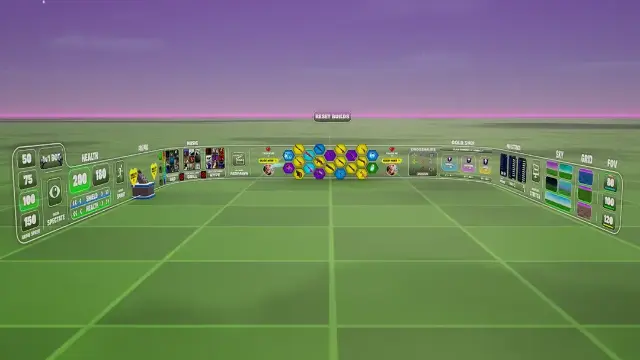

Works great! Much better than the previous version in my opinion. i can customize so much stuff its ridiculous! I would recommend you buy this if you want to upgrade your sky to make it look not only better but more appealing than the normal boring sky.
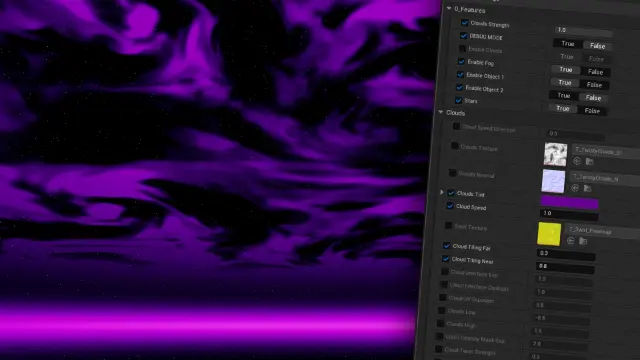

super helpful, gave me a clear video showing how to import the water.

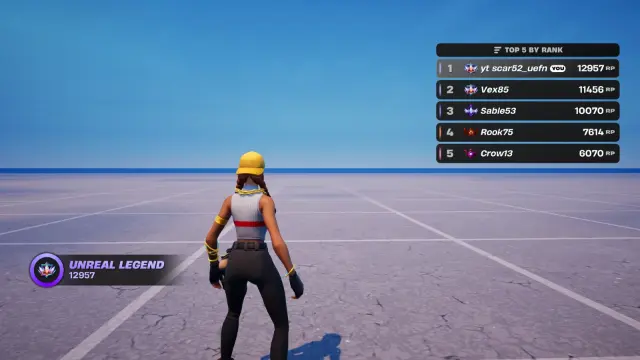
Great rank system, very well designed best ive seen

10/10 would highly recommend this asset. Works exactly as advertised and looks great in game! Super easy to integrate into your map.

Wildly good product. The customer support was surprisingly fast and dedicated. 'Dedicated' sounds cliche, but the developer actually took the time to help until everything was working. Absolute goat. If there's a plugin or some other feature I need again in my UEFN project, this is the first site I'm checking in on.



10/10 super fluid and functional system super useful and fast, I recommend it if you need resources for your maps